
View All Connections
The Trajectories page is your home base in ClawTrace. It shows all connected OpenClaw agents with their status, last activity, and quick actions.
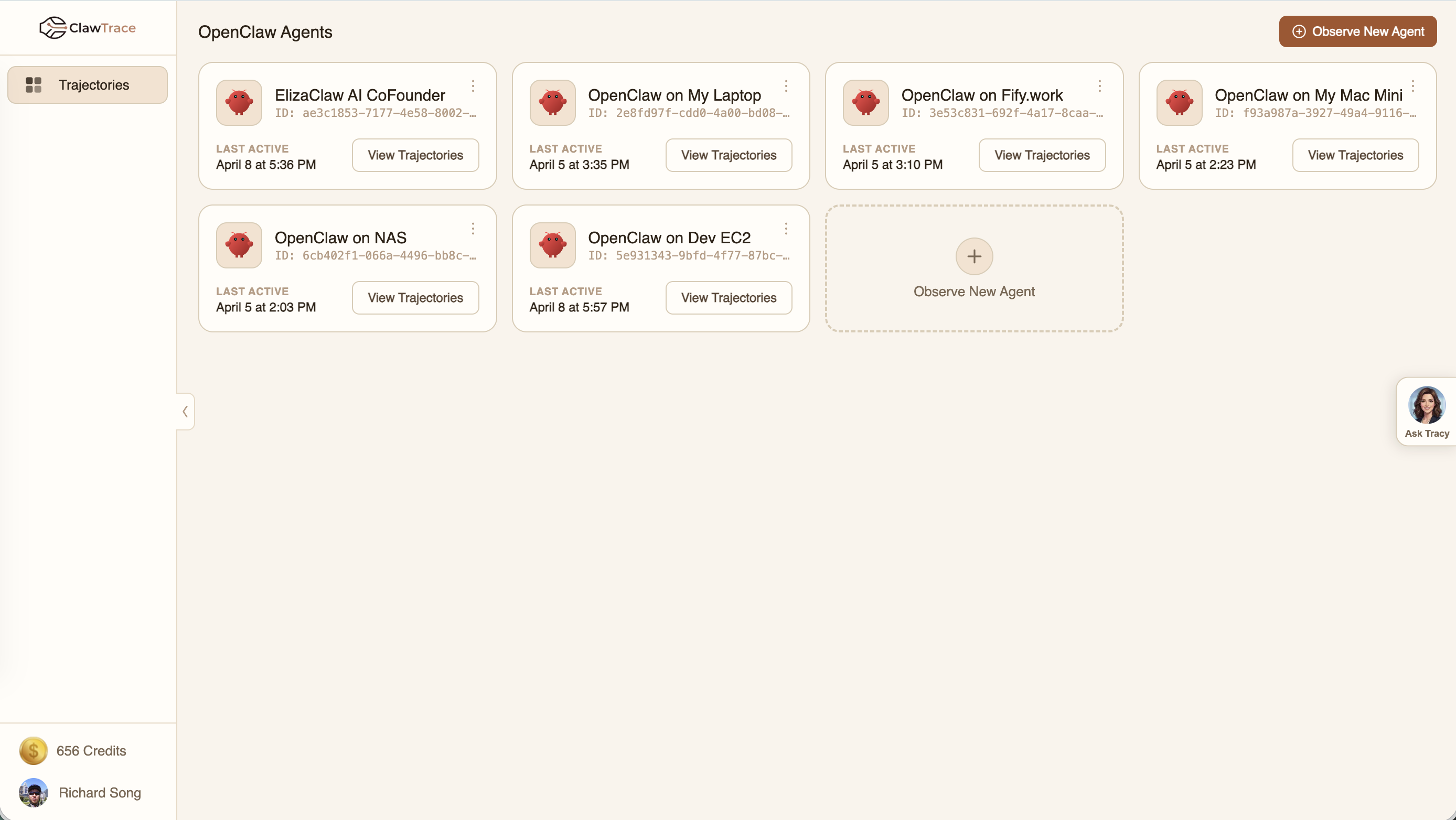
Agent Cards
Each connected agent appears as a card showing:
- Agent name — The connection name you chose during setup
- Observe key prefix — A short identifier for the agent's API key
- Last active — When the agent last sent telemetry data
- View Trajectories — Jump directly to the agent's trajectory dashboard
Managing Connections
Click the menu icon (⋮) on any agent card to:
- Rename — Update the display name
- Delete — Remove the connection and revoke the observe key
Adding More Agents
Click Observe New Agent to connect additional OpenClaw instances. Each agent gets its own observe key and trajectory dashboard.
Next Steps
Click View Trajectories on any agent card to start analyzing your agent's behavior in the Trajectory Dashboard.