
Connect to OpenClaw
To start observing your AI agent's behavior, you first need to create a connection in ClawTrace that links to your OpenClaw instance.
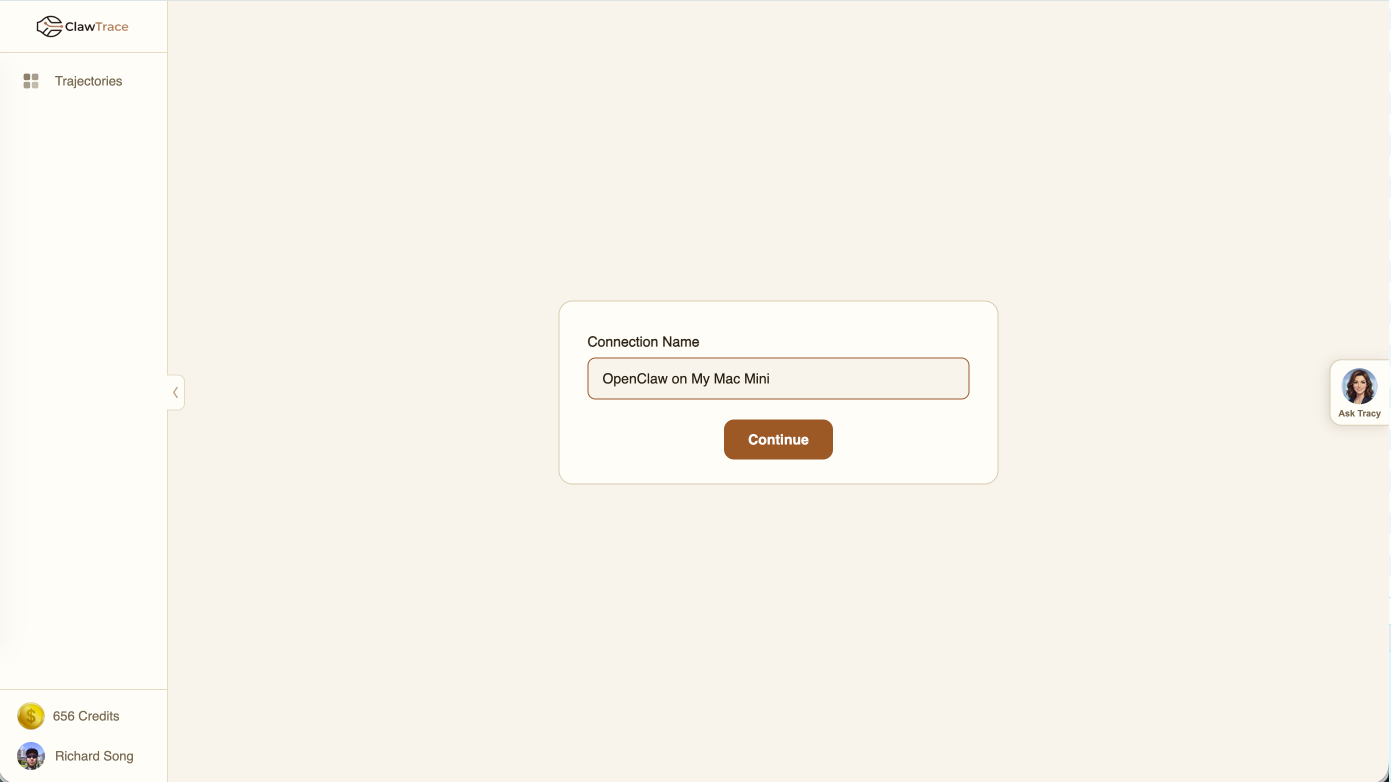
Creating a Connection
- Navigate to the Trajectories page from the left sidebar.
- Click Observe New Agent in the top-right corner.
- Enter a Connection Name — this is a friendly label to identify your agent (e.g., "Production Support Bot" or "SEO Writer").
- Click Continue to generate your observe key.
Your Observe Key
After creating the connection, ClawTrace generates a unique observe key. This key authenticates your OpenClaw instance with ClawTrace.
Important: Copy and store your observe key in a safe place. ClawTrace will not show it again once you leave the setup screen.
The observe key encodes your tenant ID and agent ID, ensuring all trace data is properly attributed to your account.
Next Steps
With your connection created and observe key in hand, proceed to Install the ClawTrace Plugin to start streaming telemetry from your OpenClaw instance.